Google Analytics 4 (GA4): A Beginner's Guide to Website Analytics
.

.
Whenever I introduce Google Analytics 4 to a new batch at DigitalGurukul, I see the same reaction almost every time — a mix of curiosity and mild panic. It looks nothing like the old Universal Analytics interface most people vaguely remember, and that alone makes beginners assume it's far more complicated than it actually is.
Having worked with GA4 extensively since its rollout, I can say this confidently: once you understand the core logic behind it, GA4 is actually more powerful and more intuitive than the old system — it just requires unlearning a few old habits first. Let's break it down properly, from the ground up.
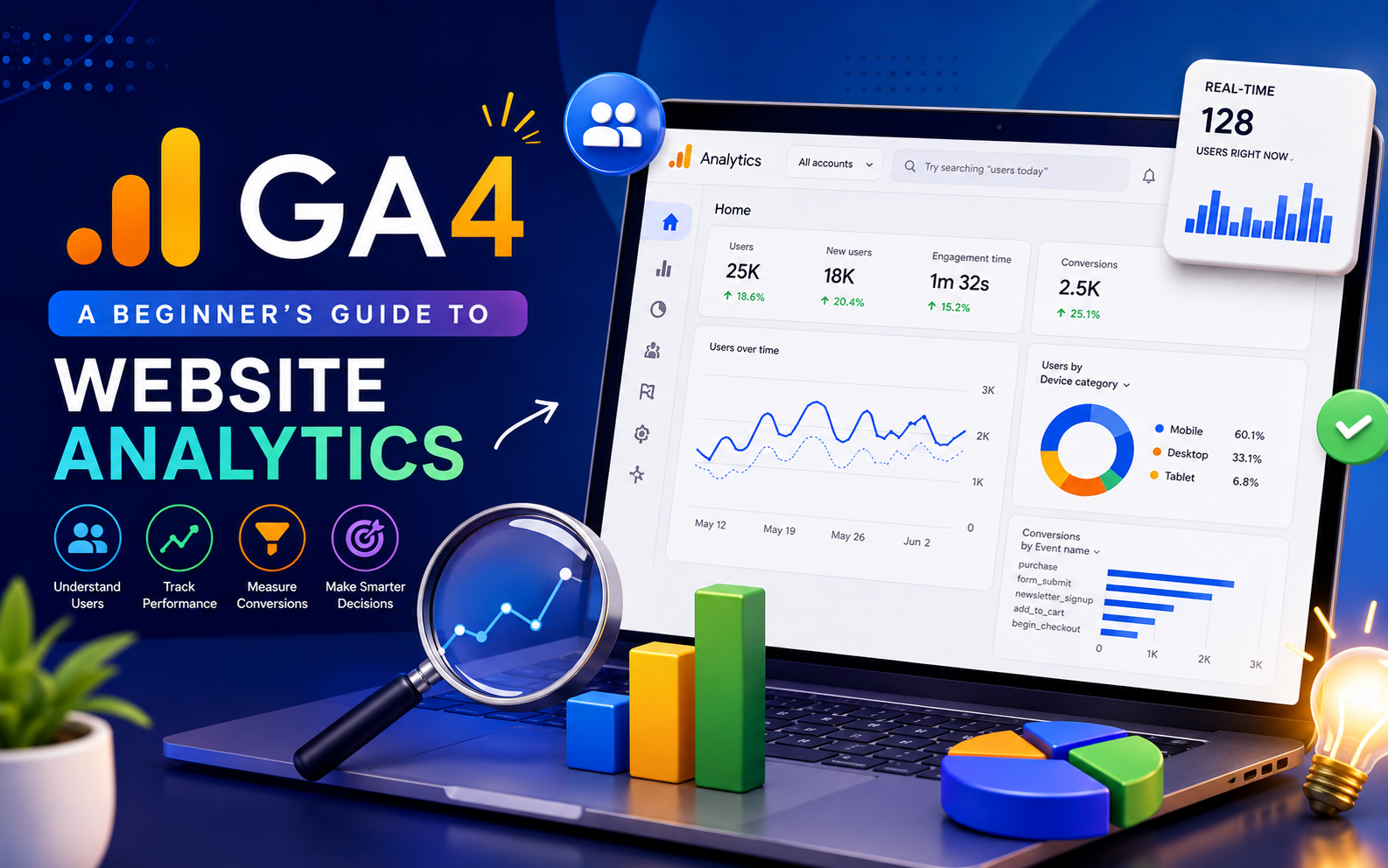
Google Analytics 4 is Google's website and app analytics platform created to track and study how people use your online spaces. From the time they arrive on your site to the things they do before they go away.
It is important because knowing about Website Analytics is what makes the difference between guessing and making choices in digital marketing. Without it you are changing your website, content or ads based on ideas. With GA4 you can really watch what is working and what is not. Where people stop using your site. Which is key for making more sales, better content and better overall marketing return on investment.
For anyone who's used the older version of Google Analytics, a few fundamental shifts are worth understanding upfront:
This shift can feel disorienting initially, but it's genuinely built to give marketers a clearer, more accurate picture of the modern, multi-device user journey.
1. Events
In Google Analytics 4 almost everything is an event. This means a page view is an event, a button click is an event, a form submission is an event and a video play is an event. Some of these events happen automatically. You have to set up others by yourself. This depends on what you want to know.
2. Parameters
Each event in Google Analytics 4 can have information called parameters. For example if someone buys something the event might include things like what they bought, how much it cost and how many they bought. This gives you a lot more information than just knowing someone looked at a page.
3. Conversions
In Google Analytics 4 you pick which events are conversions. These are the things that really matter to your business like when someone fills out a form, makes a purchase or signs up for a newsletter. This helps you think about what matters, not just how many people come to your site.
4. Engagement Rate
Google Analytics 4 does not just look at how many people leave your site. It looks at how many people stay for a while, look at more than one page or do something important. This gives you an idea of who is really interested in what you have to say.
5. Audiences
Google Analytics 4 lets you make groups of people based on what they do. You can use these groups to learn more about them or to show them ads that're just for them. This can be really helpful if you want to talk to people who're already interested in what you do.
For beginners setting up GA4 for the first time, a few foundational steps matter most:
One of GA4's biggest strengths is how clearly it can reveal User Behavior patterns, if you know where to look:
Reading these reports regularly, rather than just glancing at total traffic numbers, is what actually turns GA4 into a genuinely useful decision-making tool.
I've noticed a change in the last few years. Businesses and clients now want marketers to really know GA4 not just have knowledge about it. It's not seen as something anymore. It's a basic part of running good campaigns seeing how content is doing and showing that marketing money is being spent properly with real numbers.
That's why a good GA4 Course is important, for people who are just starting out. Without it they might spend a lot of time getting confused by the system. Learning it the way with practice and help instead of just trying to understand the official guides makes it much easier to get the hang of it.
Here is something I always say to students at DigitalGurukul: GA4 rarely gives all its benefits by itself. The marketers who get the results are usually the ones who take what they learn from analytics and connect it to a bigger Digital Marketing plan. They use GA4 information to make SEO content get better results from ads, make landing pages work better and find out which places are really helping sales happen instead of just bringing more people to the site.
This is why the Digital Marketing Course at DigitalGurukul does not teach GA4 on its own. It is taught with SEO, paid advertising, content strategy and conversion optimization. This way students learn how to do something with the data from GA4 of just looking at it. Marketers who learn this picture make better choices and feel more sure about their decisions, in every other area they take care of.
1. Is GA4 difficult to learn for beginners?
It has a learning curve especially if you're used to the Universal Analytics interface but with proper guidance and hands-on practice most beginners become comfortable with it fairly quickly.
2. Do I need coding knowledge to set up GA4?
Not necessarily. Basic setup can often be done through Google Tag Manager without coding though some advanced customizations may require technical familiarity.
3. How is GA4 different from Google Analytics?
GA4 uses event-based tracking of session-based tracking, supports cross-platform (web and app) tracking and is built with more privacy-focused modeled data due to changing data regulations.
4. What's the important thing to set up first in GA4?
Accurate tracking installation and defined conversion events should be prioritized first since everything else depends on having reliable meaningful data flowing in.
5. Is learning GA4 even for small businesses?
Yes, understanding user behavior and traffic sources through GA4 helps even small businesses make smarter decisions about content, marketing spend and website improvements.
Google Analytics 4 can seem scary when you first look at it but when you figure out how it works with things like events and parameters and conversions and engagement it becomes a really great tool for people who do marketing. It helps you make decisions based on what is really happening instead of just guessing. Google Analytics 4 shows you what people are actually doing on your website so you do not have to assume what is going on.
If you want to make marketing decisions based on real information then you need to take the time to learn Google Analytics 4. Learning Google Analytics 4 is not something you can skip anymore, it is becoming a skill that people who do digital marketing need to have.


We are a leading AI Powered Digital Marketing & Data Science Institute in Uttam Nagar, Delhi. We provide 100% practical training in SEO, Google Ads, Social Media Marketing, Artificial Intelligence, and Automation tools to help students build high-income careers, freelancing skills, and business growth.